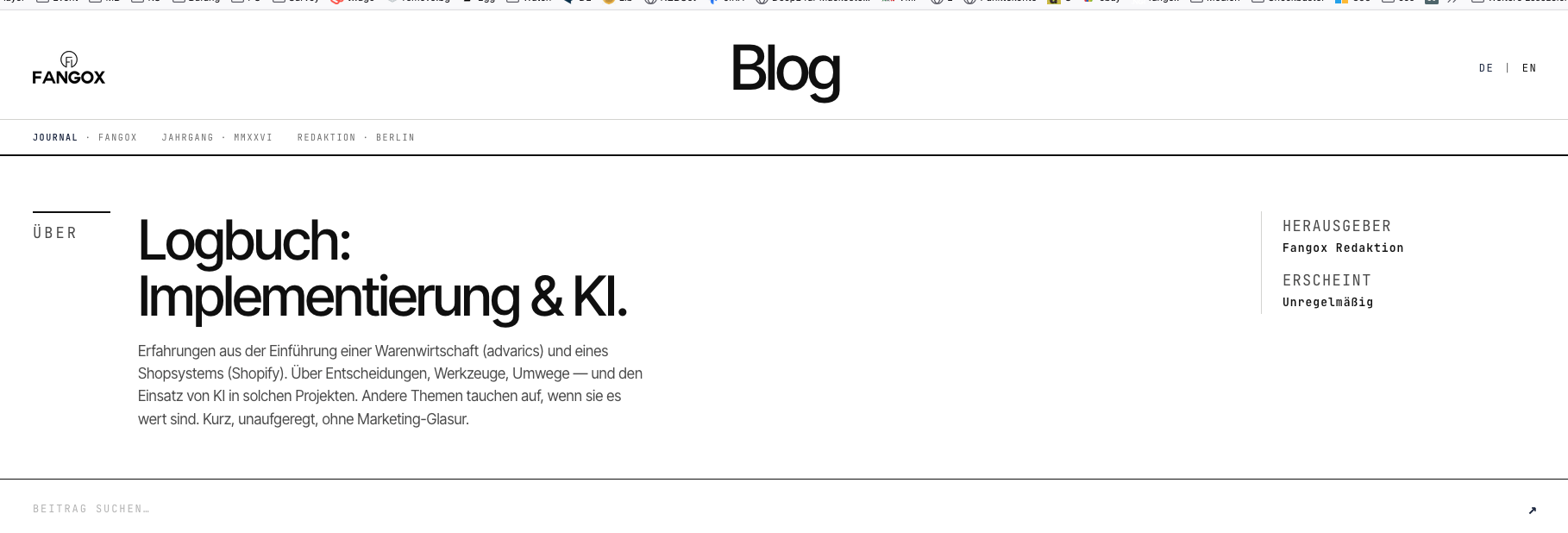
Static HTML pages — Claude Design builds them impressively fast. Importing it as a WordPress template is a whole different league. Where the designer stops, Claude Code has to take over via SSH. An honest verdict after many tokens and several detours.
From an earlier project I still had a freshly set up WordPress installation with additional plugins I really wanted to keep. So I decided to use CLAUDE Design only to build a template that would actually work inside WordPress. The prompts were fairly short:
– minimalist
– no subpages
– few colours
– Apple-style design
– language switcher (not yet wired up)
– chronological counter for each post
– deliver the whole thing as an importable WordPress template
– responsive (forgotten at the start)
The hurdles
Let me keep this short. The visual design with Claude Design worked out fairly quickly. Importing it into WordPress, however — between the preinstalled setup and missing technical pieces — did not. I had no choice but to bring in Claude Code (Plus, now Pro Max subscription) and let the tool fix every issue via SSH and, in some cases, Chrome browser automation. That cost a serious amount of tokens and exposed the limits of the output very clearly. Static HTML pages may be created relatively fast and clean, but as soon as you head toward a WordPress template, the agents need a huge amount of post-editing.
WordPress is stubborn
While fine-tuning further settings, long-deleted skeletons from the preinstallation kept surfacing inside the Elementor settings. In hindsight I’d do it differently — but experience comes from experiencing.
— ◆ —
Leave a Reply
You must be logged in to post a comment.